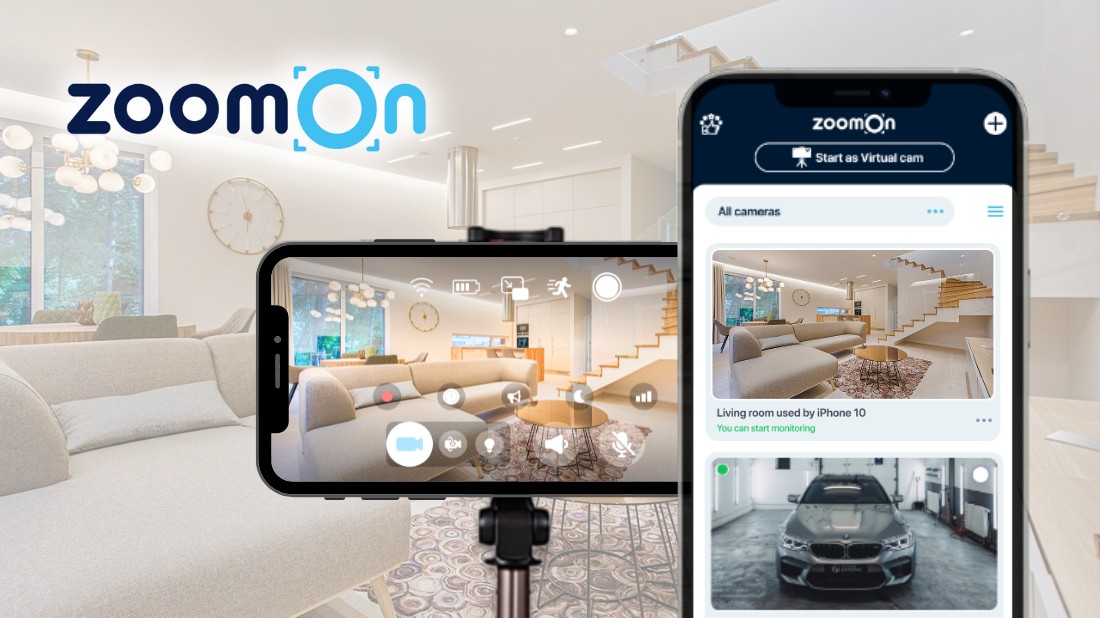
ZoomOn App: Start With Home Security Using Your Phone
- 2. 2. 2026 08:15
- SHARE


Starting with home security doesn’t have to feel complicated or intimidating – even if you’ve never used a security camera before.
Many people want to keep a better eye on their home, family, or pets, but don’t know where to begin or don’t want to invest in a full system right away. That’s where the ZoomOn app comes in.
The ZoomOn app offers a simple, flexible way to start with home security using devices you already have. Instead of buying special equipment, you can turn your phone into a security camera and see how home monitoring fits into your everyday life – at your own pace and without pressure.
If you’re curious about home security but want something easy, familiar, and low-commitment, ZoomOn is designed to make that first step feel natural.
💡 Did you know?
Recent surveys show that more than 80% of people keep at least one unused smartphone at home, often stored in a drawer and no longer used daily.
What Is the ZoomOn App?
ZoomOn is a home security app that lets you create a simple home monitoring system using two devices – one works as a security camera, the other as a monitor. Once paired, you can watch live video, hear sound, and stay connected to what’s happening in your home from anywhere.
At its core, ZoomOn turns a phone into a security camera, but it goes beyond just phones. The app works on many types of devices, giving you plenty of flexibility.
ZoomOn is available on:
- Android phones and tablets
- iPhones and iPads (iOS)
- Mac computers
- TVs and multimedia boxes with Android TV
This allows you to mix devices however you like – for example, using a spare iPhone as the camera and watching everything on a TV or computer screen.
▶️ A quick ZoomOn app walkthrough:
Why ZoomOn Is Ideal for First-Time Home Security Users
ZoomOn is designed for beginners.
While you do need to install the app on two devices, the setup itself is quick and straightforward. There’s no professional installation, no wiring, and no special equipment required.
What makes ZoomOn especially approachable is that:
- You can reuse a spare or unused phone.
- You can temporarily use a partner’s phone or tablet for short-term monitoring.
- You’re free to change devices or setups at any time.
Most people already know how to use a smartphone, install apps, and navigate basic settings. That familiarity makes ZoomOn feel natural from the start – you’re not learning a completely new system, just using devices you already understand in a new way.

Key Features That Make ZoomOn Useful
One thing that often surprises new users is how similar the ZoomOn app’s feature set is to that of traditional security cameras, even though it runs on everyday devices.
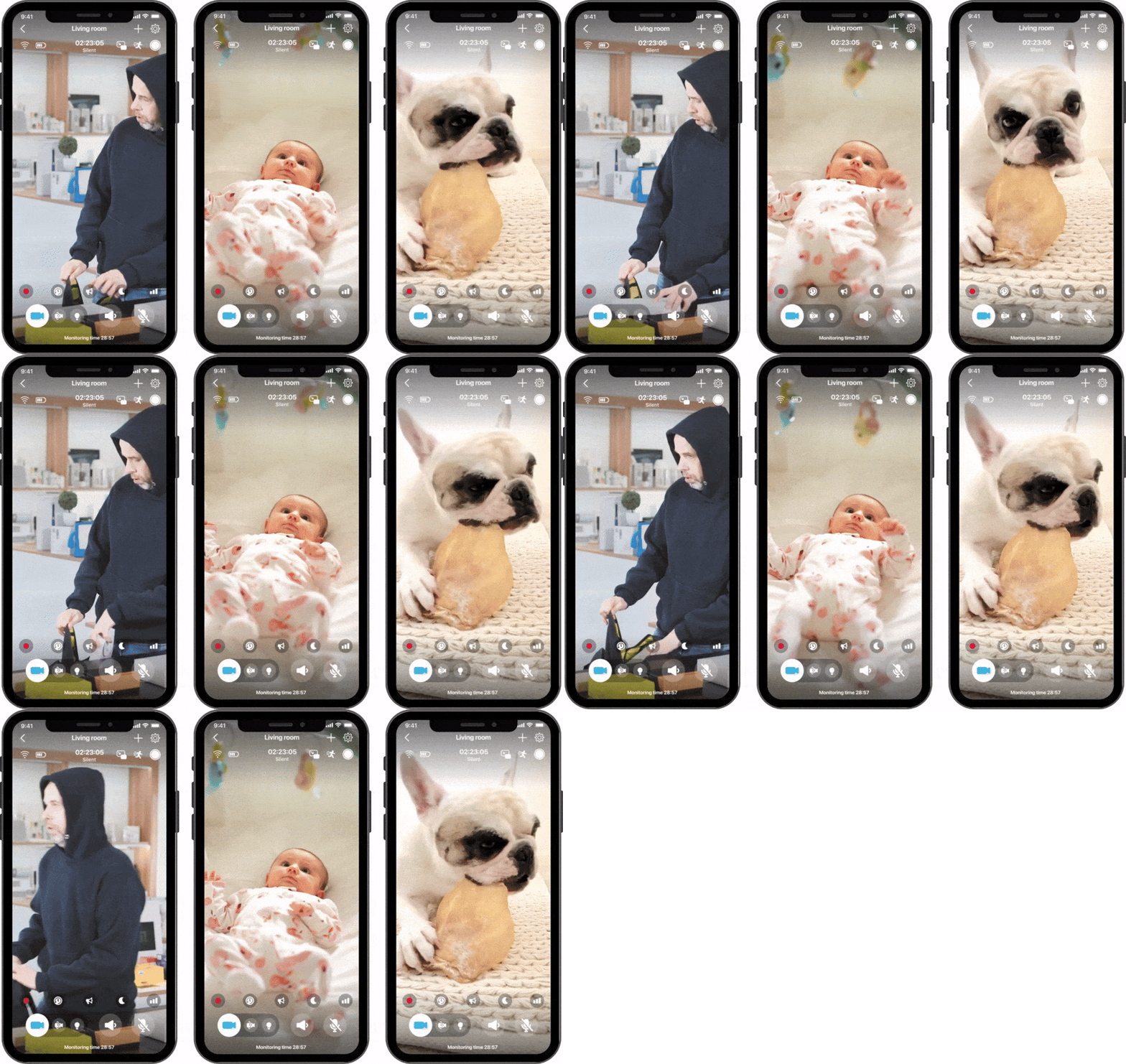
ZoomOn keeps things simple while still offering key features for real-world home monitoring:

Live Video in HD
ZoomOn lets you see what’s happening in real time with clear, high-definition video, whether you’re monitoring a room, an entryway, or a sleeping baby.

Two-Way Audio
ZoomOn lets you hear what’s happening on camera and speak back when needed, which can help calm pets, talk to your baby, or respond to unexpected sounds in your home.

Motion/Sound Detection
ZoomOn detects movement and noise and notifies you when something changes, so you don’t have to watch the screen constantly.

Night Mode
ZoomOn uses a green filter to enhance brightness and contrast in low-light conditions, helping you see more clearly in dimly lit rooms.

Smart Notifications
ZoomOn sends alerts when motion or sound is detected, allowing you to check in only when it matters.
To see what’s available on different platforms, you can check all ZoomOn app features supported on your device.
Common Ways People Use the ZoomOn App
Because ZoomOn is flexible and easy to move between devices, it fits into many everyday situations. Some of the most common use cases include:
- Home monitoring, whether you’re at work or away for a few hours
- Baby monitoring, during naps or nighttime
- Pet monitoring, to check in while you’re in another room or out of the house
- Elderly monitoring, to stay connected and aware without being intrusive
- Traveling, such as keeping an eye on a room, accommodation, or personal belongings
Of course, these are just examples. Many users discover their own ways to use ZoomOn in daily life. What matters most is that ZoomOn brings peace of mind, helping people feel more connected and reassured – wherever they are.
How Easy Is It to Get Started?
Getting started with the ZoomOn app is intentionally simple. The most common setup is to use two devices, with one device serving as a security camera and the other as a monitor:
- Get two devices (phones or tablets; iOS or Android).
- Install the ZoomOn app on both devices.
- Open the app on both devices.
- Choose one device as the security camera and the second device as the monitor.
- Pair them using a QR or numeric code.
Within moments, the devices are connected and ready to use.
▶️ Watch how easy it is to connect two devices using ZoomOn app:
You can also create a ZoomOn account and sign in on the second device with the same email, which will automatically pair all the devices.
Subscription Options That Fit Different Needs
If you’re new to ZoomOn, you can start with a free 3-day trial – it’s a simple way to explore the features and see how the app fits into your everyday routine.
After the trial, you can check current prices directly in the Subscription section of the app and choose from:
- Monthly Subscription 📅 – Basic option, ideal for short-term needs or for users who prefer flexibility.
- Yearly Subscription 💰 – A good choice for regular use, offering better value if you plan to rely on the app over a longer period.
- One-Time Lifetime Purchase 🌟 – Best for users who want permanent access (without recurring payments).


Final Thoughts: Start With Home Security Today!
Starting with home security doesn’t have to feel complicated or stressful.
The ZoomOn app makes it easy to get started with devices you already know and trust. By letting you turn your phone into a security camera, ZoomOn lowers the barrier to entry and helps you gain confidence step by step.
You don’t have to be an expert or invest in special hardware. You just need a simple starting point – and the ZoomOn app provides exactly that. So start with home security today!
FAQ
Do I need a subscription for every device?
No. You don’t need separate subscriptions for each device. A single ZoomOn subscription covers all devices linked to your Apple or Google account, so you can add or switch devices without extra cost.
Can I mix Android and iOS devices?
Yes. ZoomOn works on both Android and iOS, so you can freely mix devices – for example, using an Android phone as the camera and an iPhone or tablet as the monitor.
Is ZoomOn suitable for beginners?
Absolutely! ZoomOn was designed to be intuitive and easy to use, even with no home security experience.
Can I change devices later?
Yes. You can switch devices or pair new ones at any time.
Can I try ZoomOn before paying?
Yes. ZoomOn offers a free 3-day trial with full access to features.
- 2. 2. 2026 08:15
- SHARE
